What Is the apple.com/bill Charge on My Statement?
Quick answer
apple.com/bill is the name Apple uses on card statements for things you buy from Apple: an app, music, a movie, a book or other content, a subscription renewal, or a purchase made by someone in your Family Sharing group. To see exactly what it was, go to reportaproblem.apple.com, sign in with your Apple Account, and look for a purchase on the same date. Several purchases can be grouped into one charge, so the amount may not match any single item.
What the line on your statement means
The text isn't some unknown company, and it isn't a website you need to visit. It's Apple's billing label. According to Apple's page on the charge, apple.com/bill appears when:
- you buy an app, music, a movie or other content from Apple;
- a subscription renews, including Apple's own (like iCloud+) and apps billed through the App Store;
- a family member buys apps or content from Apple.
That last one is the usual surprise. If you're the organizer of a Family Sharing group, purchases by your family can land on your card under the same label.
So one line, apple.com/bill, can stand for dozens of different things. The statement won't tell you which. Apple's records will.
Find out what the charge was
- Go to reportaproblem.apple.com.
- Sign in with your Apple Account.
- Find the purchase date that lines up with your statement. If you know the amount, you can search for it.
- Tap or click the purchase date to see the full receipt, including tax.
If you use Family Sharing, select the Apple Account menu at the top and choose a family member to see their purchases too.
You can also look on a device. On a Mac, open the App Store, click your name at the bottom of the sidebar, click Apps & Purchase History, then Purchase History. The list starts at Last 90 Days, so click that filter if the charge is older.
For a wider look at everything Apple bills you for, including subscriptions across devices, see our guide on how to see what Apple is charging you for.
Why the amount doesn't match anything
This is the most common reason people think an apple.com/bill charge is wrong. Apple can group several purchases and subscriptions into one charge. An app, an iCloud+ renewal and an in-app purchase made around the same time might show up as one larger line on your statement.
Apple says purchases are charged at the time you buy, or within a few days. A charge can therefore show up a day or two after the purchase itself, and on a different date than you expected.
To match it:
- open the receipt for that date at reportaproblem.apple.com and add up the items, tax included;
- or search your email for the receipt. Apple emails receipts, and grouped purchases appear together on the one for that charge. If you use Family Sharing, both the person who bought and the family organizer get the receipt email.
Apple notes that in Europe and India, purchases might not be grouped.
A small charge you didn't make
Seeing a tiny pending apple.com/bill amount right after you changed your card or added someone to Family Sharing? Apple says updating billing information or adding a family member can trigger a temporary authorization hold for a small amount. It isn't a real purchase. Your card issuer removes it after a short time.
If it doesn't drop off, or it posts as a real charge, treat it like any other unknown charge and look it up.
Which card got charged
If you have more than one payment method on your Apple Account, Apple charges them in a set order:
- Your Apple Account balance, if it covers the full amount.
- Your primary payment method.
- Your other payment methods, from top to bottom, if the primary one fails or can't cover the rest.
So a charge can land on a card you rarely use, if your main card was declined or expired. You can change the order in your payment settings.
Can't find it in your purchase history?
Try these in order:
- Another Apple Account. It's common to have two: an old one and a current one, or a work one. Sign in to reportaproblem.apple.com with each of them.
- Family. If someone in your family has your card details, ask them. They may have bought something with their own Apple Account and your card.
- The email. Search your inbox for receipt from Apple or invoice from Apple around the charge date.
- Apple Support. If you've checked everything and still can't place it, Apple says to contact Apple Support.
If someone else has been using your Apple Account, change your Apple Account password. If family members can reach your device, you can set it to require a password for every purchase.
Watch out for fake Apple receipts
Scammers send emails that look like Apple receipts for purchases you didn't make, hoping you'll click a link or call a number. A real charge shows up in your purchase history. A fake email doesn't.
Apple's guidance on phishing gives a few checks:
- genuine App Store receipts include your current billing address, which scammers usually don't have;
- Apple won't ask by email for your Social Security number, your mother's maiden name, your full card number or the card's CCV code;
- you can forward suspicious emails to reportphishing@apple.com.
The safest habit is to ignore links in the email and go to reportaproblem.apple.com yourself.
Found it, and you don't want it
If it's a subscription you forgot about, cancel it so it doesn't renew. On iPhone or iPad, go to Settings > your name > Subscriptions. On a Mac, use the App Store and your account page. Our guides cover iPhone and iPad and Mac. A subscription a family member started has to be cancelled from their account.
If you want the money back, request a refund from Apple:
- Go to reportaproblem.apple.com and sign in.
- Under I'd like to, choose Request a refund.
- Pick the reason, then select Next.
- Choose the item and select Submit.
Apple says to expect an update within 24 to 48 hours. A charge that's still pending can't be refunded yet, so wait until it posts. Our Apple refund guide has more on what to say and what to expect.
If the subscription isn't on any Apple receipt, Apple isn't the one billing you for it. Look at your statement for the company's own name and contact them.
Make the next apple.com/bill line easy to read
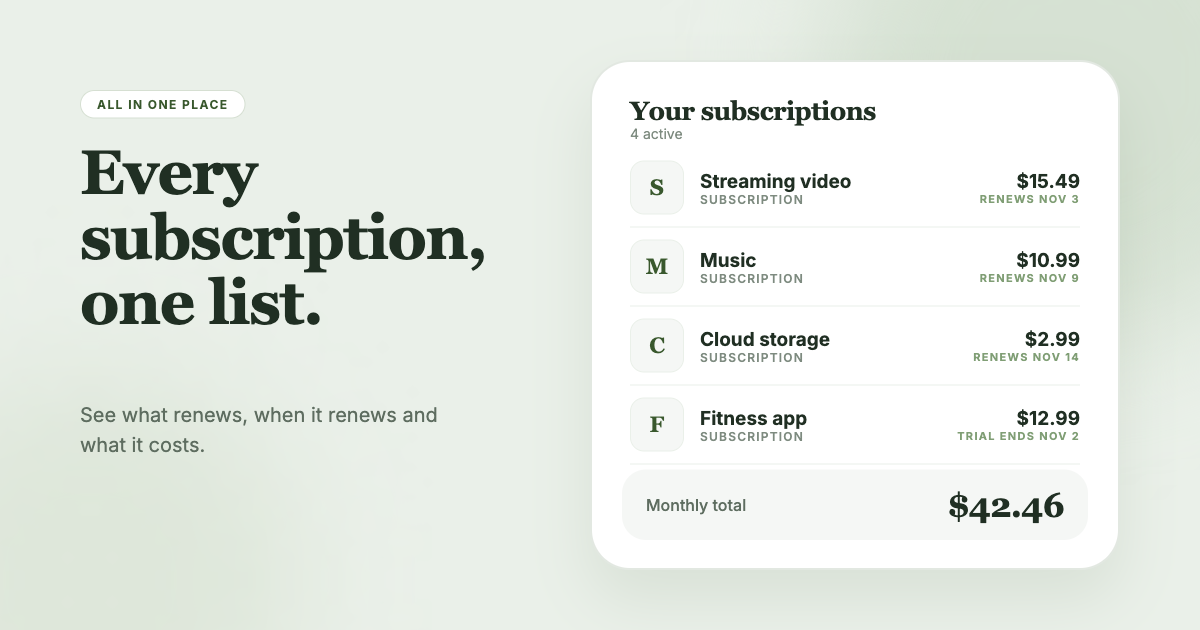
The trouble with apple.com/bill is that it hides everything behind one name. SubSweeper scans your email receipts (read-only), including Apple's, to surface active subscriptions, free trials and upcoming renewals in one dashboard. You see what each charge is before it hits, get reminders ahead of renewals, and get help cancelling what you no longer use.