Forgotten Subscriptions: How to Find Them
Quick answer
Forgotten subscriptions usually sit in one of five places: an old email address, an annual plan that renews once a year, an app store account you rarely check, a free trial that converted, or a membership tied to a shopping account. Check the app store lists first, then search each email address for receipts, then read twelve months of statements for yearly charges.
Why subscriptions get forgotten
A subscription is a decision you make once and then pay for repeatedly. The more it blends into your routine, the less you think about it. Three patterns cause most of the forgetting.
- Low price. A few dollars a month does not prompt a second look.
- Long gap. An annual renewal comes 11 months after you last thought about it.
- Hard to see. The charge is under a name you do not recognize, or billed to a different account.
Regulators have noticed that some enrollments are not obvious to the buyer. In 2025 the FTC announced a $2.5 billion settlement with Amazon over Prime. It estimated that about 35 million consumers were affected by unwanted enrollment or deferred cancellation (FTC). That case is about one company, not your account, but it explains why checking is worth the time.
Place 1: App store lists
Start here, because the lists are exact.
- iPhone or iPad: Settings, tap your name, tap Subscriptions.
- Mac: App Store, click your name, click Subscriptions.
- Web: account.apple.com, Subscriptions.
- Google Play: play.google.com/store/account/subscriptions
Scroll the full list, including anything expired (Apple Support, Google Play Help). Check every Apple Account and Google Account you have ever used, including ones tied to an old phone.
For Google, also check payments.google.com under Subscriptions & services, which lists subscriptions beyond Google Play orders (Google Play Help).
Place 2: Old email addresses
Sign in to every inbox you have used since you started buying online: the old college address, the one from a former job, the secondary one for sign-ups. Search each for receipt, invoice, renewal, trial and welcome.
Sort the results by sender. Any company that appears at regular intervals is billing you. Check whether the card on file is still active.
Place 3: Twelve months of statements
Monthly charges show up in a quick scan. Yearly ones need a long look. Download or view twelve months of statements for each card and bank account, and search for repeating merchants.
Pay attention to charges that appear once in the twelve months. They may be annual renewals: domain names, antivirus software, cloud storage, memberships, extended warranties.
If a name makes no sense, search your email for the amount. Our guide to unknown charges covers the steps.
Place 4: Free trials that converted
Think of the last year of sign-ups. Anything that offered a free trial, a free month or a low first-period price may have rolled into a full price. Look for a first charge a few days to a month after you signed up.
Apple says that for any trial you do not want to renew, you should cancel at least 24 hours before it ends. The trial confirmation email is often your only record, so search for trial in your inbox.
Place 5: Accounts and memberships you do not think of as subscriptions
Shopping accounts, software you bought for a one-off project, a domain you registered, a streaming service you added for a single show, a gym membership you stopped attending. These get left running because nothing reminds you.
Also check family: Apple says a family member's account may be paying for a subscription you use, and only that person can cancel it.
Cancel what you find
Cancel in the place that bills you. On iPhone, tap the subscription and choose Cancel Subscription. On Google Play, select it and tap Cancel subscription. Uninstalling the app does not cancel the plan. Google says you keep access to the end of the paid period.
If the subscription belongs to a company that bills directly, use its account settings or contact it. Record the date you canceled, and check the next statement.
If you cannot find the account, because you lost the password or the email no longer works, contact the company with the charge date, amount and the last four digits of the card.
What to do about money already spent
Look at the amount first. A recent charge for a service you did not use is worth a message to the company asking for a refund. Some will give one and some will not.
For a credit card charge you did not authorize, the CFPB says to call your card company and send a written billing error notice within 60 calendar days of the charge first appearing on the statement. Older charges are harder to recover, so do this when you find the charge, not at the next audit. If the charge came from a company you can identify, contact the company first and ask for a refund and a written cancellation confirmation. Keep that message in case you need it later.
Build a net
Finding forgotten subscriptions once helps. Catching the next ones early matters more. Set a calendar reminder every three months to repeat Places 1 through 3.
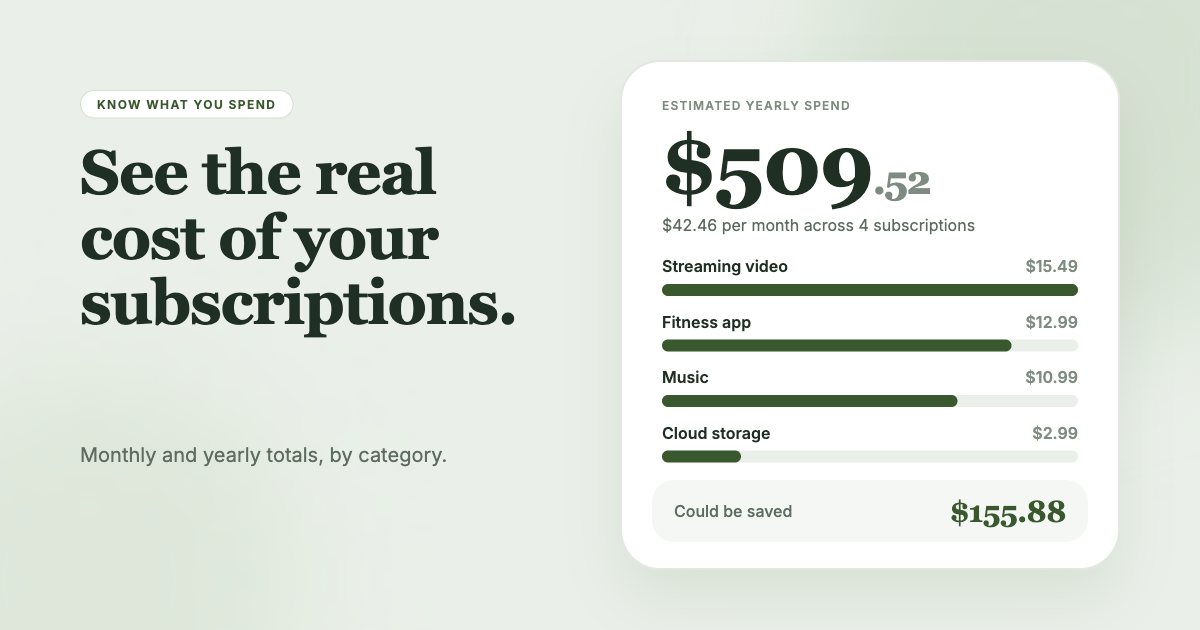
SubSweeper automates the inbox part. It scans your email receipts (read-only) and surfaces active subscriptions, free trials and upcoming renewals in one dashboard, with reminders before charges, a monthly total and categories. It also helps you cancel what you find.