Venmo and Cash App Recurring Payments: Find and Stop
Quick answer
In Venmo, open the Money or Me tab, tap Your linked accounts, go to the Manage tab, tap Bills and Subscriptions, pick a subscription and tap Cancel Subscription. In Cash App, blocking a business stops card charges but does not cancel the subscription, so you also need to contact the business.
The two apps handle recurring money differently. Venmo has a subscription list for brands tied to your Venmo Debit Card or Pay with Venmo, plus a separate scheduled payments feature for payments to people. Cash App has no subscription list that its help center describes.
Venmo: cancel a subscription
Venmo's Subscription Manager page says you can view and cancel subscriptions billed to a brand you linked with your Venmo Debit Card or through Pay with Venmo, all inside the app. You do not need to log in to the merchant's site.
- Go to the Money or Me tab.
- Tap Your linked accounts.
- Open the Manage tab and tap Bills and Subscriptions.
- Select a subscription to view its details.
- Tap Cancel Subscription.
Venmo says canceling in the app updates the status right away.
What Venmo's list can and can't show
Venmo lists these limits:
- You need a Venmo Debit Card in good standing to see subscription details.
- Only subscriptions billed to a brand linked with your Venmo Debit Card or Pay with Venmo appear.
- Subscriptions billed to the Venmo Credit Card are not included.
- New subscriptions can't be started from Venmo.
- A new subscription can take up to 7 days to appear after you sign up.
If you cancel with the merchant directly, or the payment method moves to a card or bank outside Venmo, it can take up to 7 days for Venmo to reflect that. A subscription that still appears in the list a few days after you canceled elsewhere is usually this delay. Give it the full week before you worry.
Venmo says that in most cases you do not need to contact the merchant. You may need to contact the merchant to start a new subscription, upgrade or downgrade one, or switch the payment method to a card or bank that is not linked with Venmo.
Venmo: get reminders before a charge
Venmo lets you control subscription notifications. Tap your profile picture in the top toolbar, select Settings, tap Notifications, and look for the Subscriptions section under Push notifications and Email notifications.
Venmo lists three types, all on by default:
| Notification | What is sent | When |
|---|---|---|
| Upcoming charge reminder | Push only | A few days before a subscription bills, if your Venmo balance can cover it |
| Low balance alert | Push and email | Your balance is too low for an upcoming charge |
| Cancellation confirmation | Push and email | A subscription is canceled |
The cancellation confirmation is worth keeping on. It is the quickest way to tell that a cancel went through.
Venmo: scheduled payments
Scheduled payments are a different feature. You set them up yourself, usually to pay or charge a person on a repeating basis. Venmo's scheduled payments page gives these steps to see and change them:
- Go to the Me tab.
- Tap Transactions.
- Under Scheduled, tap View all.
- Tap the payment you want to change, then tap Edit.
- Make your changes and tap Update Schedule.
Changes take effect on the next scheduled payment or request. They must be finished before 11:59 PM PT the day before the payment is due to process.
The same screen lets you change the backup payment method. Venmo says you pick a backup when you create the payment, in case your balance can't cover it. Venmo's page names Edit and Update Schedule for changes and does not name a Cancel button. If you need the payments to stop, contact Venmo Support.
One more detail from Venmo: if you pay from a bank account, the money can take up to 5 business days to leave your bank. A scheduled payment that seems to pull late may be bank timing.
Cash App: block a business
Cash App's Blocking a Business page is the closest official guidance to a recurring payments tool. To block a business from using your Cash App Card or Cash App Pay information:
- Go to the Activity tab (the clock icon).
- Choose a transaction from the business you want to block.
- Select the business icon to open its profile.
- Select Block/unblock.
You can see blocked businesses in the Card tab. Cash App says blocking does not stop you from receiving a refund.
If you do not see the block option, Cash App suggests opening the profile from the icon or name at the top of the transaction details, reopening the app, or checking the Card tab. Another route is your profile icon, then Linked apps and businesses, then the business, then Remove. Cash App warns that removing access may not stop future charges if your card number is stored directly with the business.
Cash App: bank payments and app store charges
Blocking a card is not the same as blocking an ACH payment. Cash App describes ACH as a bank-to-bank transfer made with routing and account numbers, often used for subscriptions and other recurring charges. At this time those blocks can't be managed in the app. To stop future ACH debits from a business, contact Cash App Support through the app.
Some app store businesses, such as Google Play, Apple or Amazon, may not show a profile page in the Activity tab. Cash App points you to the stores themselves:
- Google Play: open the Play Store, select your profile, then Payments & subscriptions, then Subscriptions.
- Apple: open Settings, select your name, then Subscriptions.
Blocking is not canceling
Cash App is direct about this: blocking a business does not cancel existing subscriptions, recurring charges, or outstanding balances. To resolve those, contact the business.
The safer order is to cancel with the business first, then block if you want a second layer.
Keeping both apps in view
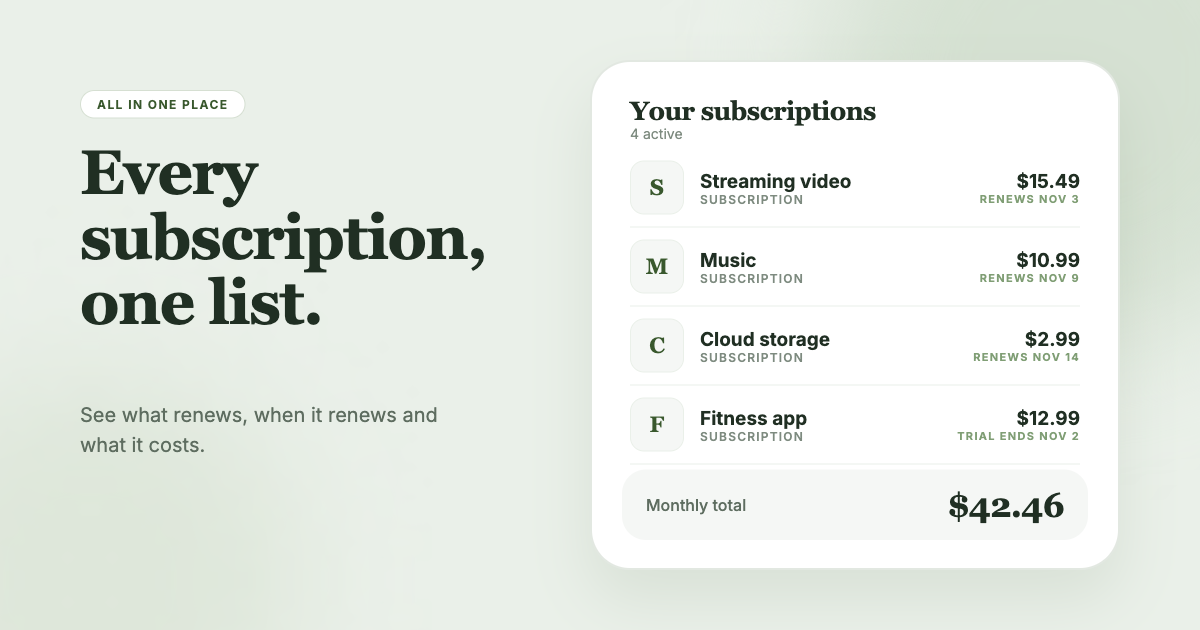
Venmo and Cash App each show only the part of your recurring spending that runs through them. SubSweeper scans your email receipts (read-only) to surface active subscriptions, free trials and upcoming renewals in one dashboard, whichever app or card pays for them. It shows a monthly total, sends reminders before charges, and helps you cancel, so a charge that hides behind a wallet app still shows up.