How to Cancel Rocket Money Premium (and Delete Account)
Quick answer
To cancel Rocket Money Premium, open Membership in the app or on the website, choose Manage Membership, drag the slider to $0 per month, and select Cancel Subscription. Cancellation takes effect at the end of your billing cycle, and your Rocket Money account stays open. To remove the account itself, cancel Premium first, then delete the account from Profile settings.
These steps come from Rocket Money's Help Center.
Cancel Premium in the mobile app
- Tap the gear icon at the top left.
- Go to Membership.
- Tap Manage Membership.
- Drag the slider to $0/month.
- Tap Cancel Subscription and follow the prompts.
Cancel Premium on the website
- Click the gear icon on the left side.
- Select Membership.
- Click Manage in the upper right.
- Drag the slider to $0/month.
- Select Cancel Subscription and complete the prompts.
What happens after you cancel
Rocket Money's membership article says:
- Cancellation takes effect at the end of your billing cycle, and Premium features remain available until then.
- Canceling Premium does not delete your Rocket Money account.
- Active Bill Negotiations stay in place.
- Notifications and emails continue unless you change your alert settings.
The article does not address refunds. If you were charged and think it was an error, use the contact options on Rocket Money's contact page.
Delete your Rocket Money account
Canceling Premium and deleting the account are separate steps. Before deleting, Rocket Money's delete-account article says to do three things:
- Cancel your Premium membership.
- Cancel any active bill negotiations.
- Close any active financial goals.
Then, in the mobile app:
- Open Settings from the top-left corner.
- Go to Profile in the side menu and scroll to the bottom.
- Tap Delete My Account and confirm.
On the website:
- Open Settings in the left-hand sidebar.
- Choose Profile and scroll to the bottom.
- Click Delete Rocket Money Account, then click it again to confirm.
Deletion permanently erases all your Rocket Money data and cannot be reversed. A separate Rocket account, such as a Rocket Mortgage account, is not affected. If you want a copy of your transactions first, Premium includes transaction data export according to the Help Center, so export before you cancel.
Cancel Premium or delete the account?
Pick based on what you want to keep.
Cancel Premium only if you are fine with the free version. According to Rocket Money's Premium features article, free members can still see their subscriptions listed in one place. You lose the paid features, including canceling subscriptions from the app, but your linked accounts and history stay in the account.
Delete the account if you want your data gone. That step is permanent, and the Help Center says to cancel Premium and close out negotiations and goals first.
If you are unsure, cancel Premium now. You can delete the account later, and canceling first is required anyway.
If you do not see a Cancel option
The Help Center does not list a fix for a missing button, so use these checks.
- Confirm you are in Membership, not Recurring. The Recurring tab cancels other services, not your Rocket Money plan.
- Confirm you are signed in to the Rocket Money account that holds the membership. If you have more than one email, try the other.
- Look at the payment receipt for the charge. It shows who billed you, and that tells you where the plan is managed.
- Contact Rocket Money through the page linked above.
I could not confirm from official pages whether the steps change when a membership was purchased through an app store. If your receipt comes from Apple or Google, check the subscription in your Apple or Google account as well.
Confirm it worked
Cancellation takes effect at the end of your billing cycle, so the next charge date is the test. Note that date when you cancel. If a charge appears after it, collect the screenshot of your cancellation and contact support.
Screenshot each screen as you cancel, and open the Membership screen again a day later to see its current state. If the plan still looks active before the cycle ends, that matches what the Help Center describes.
Do not confuse this with canceling a subscription through Rocket Money
Rocket Money also lets Premium members request cancellation of other subscriptions, such as a streaming service. That is a different feature. The steps above end your Rocket Money membership. The cancellation assistant ends other services.
If you used that assistant and want to check on a request, Rocket Money says to open the Recurring tab and select All to see pending and completed cancellations. It says these usually take roughly two to ten business days, depending on the merchant.
Subscriptions billed through Apple, Google Play, Amazon, Roku, or PayPal must be canceled through that provider, per the Help Center. Canceling your Rocket Money membership does not cancel any of them, and those services keep billing you.
Before you leave
Write down the list of subscriptions Rocket Money found, with prices and renewal dates. You will want it after you delete the account. Screenshot the Recurring tab or export your data while Premium is active.
If Rocket Money negotiated a bill for you, remember that those negotiations stay active after cancellation. Check the details in the app so you know what continues.
Where SubSweeper fits
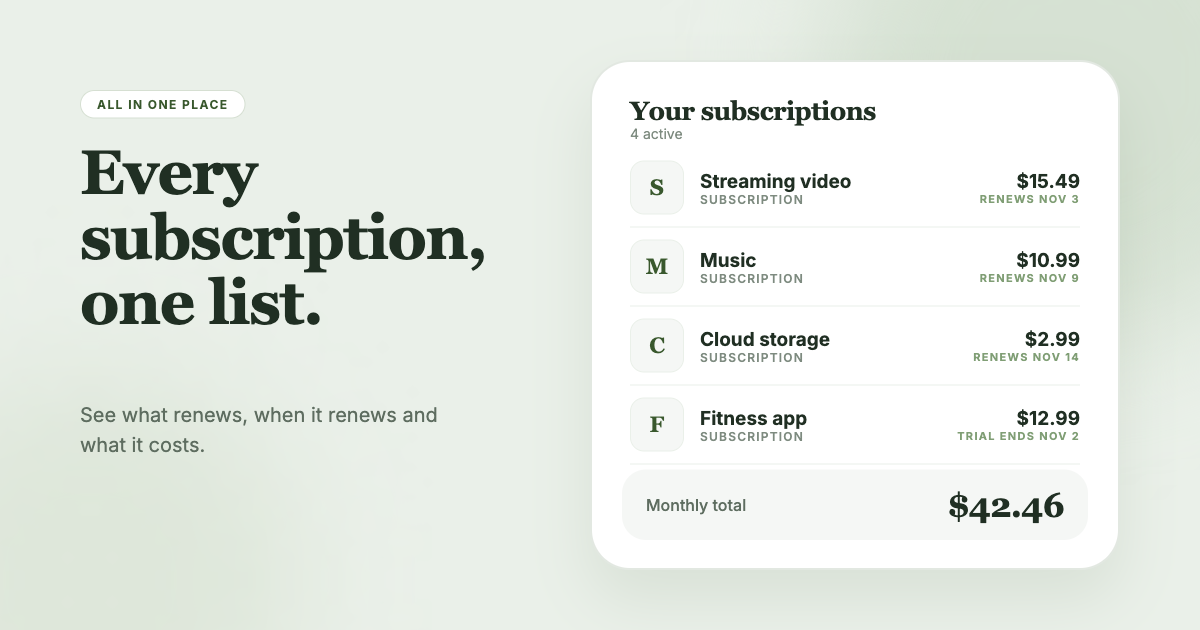
If you cancel Rocket Money and still want a list of what you pay for, SubSweeper scans your email receipts (read-only) and shows active subscriptions, free trials, and upcoming renewals in one dashboard. It sends reminders before charges and helps you cancel the ones you no longer want.
Official sources
- help.rocketmoney.com/en/articles/9095189-managing-my-premium-membership
- help.rocketmoney.com/en/articles/934679-how-to-delete-your-rocket-money-account
- help.rocketmoney.com/en/articles/934402-how-do-i-cancel-a-subscription-on-rocket
- help.rocketmoney.com/en/articles/2684134-contacting-rocket-money
- help.rocketmoney.com/en/articles/2677184-premium-membership-features