Rocket Money Alternatives for Tracking Subscriptions
Quick answer
If you want an app that finds your subscriptions and cancels them for you, the closest alternatives to Rocket Money are budgeting apps that detect recurring charges: Copilot, Monarch, and Simplifi. None of the three says on its official page that it cancels subscriptions on your behalf, so the cancel-for-me feature is where Rocket Money differs. If you only want to see and control what you pay, your phone's built-in subscription list, a spreadsheet, or an email-based tracker like SubSweeper can do it without a full budgeting app.
Everything below comes from each company's own pages as of October 2026. Prices change, so confirm on the site before you sign up.
What you are replacing
Rocket Money's site says it finds and tracks your subscriptions, and that it can cancel them for you. Its Help Center explains the split: free members see their subscriptions in one place, and canceling from inside the app is a Premium feature. To use it, you link checking, savings, credit card, or investment accounts.
So there are two jobs. One is seeing what you pay for. The other is getting a subscription canceled without a phone call. Alternatives usually cover the first well and the second poorly.
Copilot
Copilot's site has a Spot subscriptions section and lists upcoming charges in its sample view. It says it is available on iPhone, iPad, Mac, and the web. The page shows $7.92 per month or $95 billed yearly, plus a one-month free trial and a Test drive for free option you can use before connecting any account.
Copilot's page describes tracking, not canceling. Its page lists no Android app, so Android users should check elsewhere.
Monarch
Monarch's site says it automatically detects recurring subscriptions such as streaming services, gyms, and app memberships, and that it connects to more than 13,000 financial institutions. Its pricing page lists $14.99 per month or $99.99 per year, a first-week free offer, and a money-back guarantee. It recommends subscribing on the web rather than through the Apple or Google app stores.
Monarch is a full budgeting tool, so subscription tracking is one feature among many. That suits you if you also want budgets and net worth, and it is more than you need if you only want to stop paying for things you forgot.
Simplifi by Quicken
Simplifi's product page says it lets you view all of your subscriptions so you do not forget any, shows upcoming bills and paychecks in a Reminders list, and subtracts bills and subscriptions from your income in its Spending Plan. The page lists $3.99 per month billed annually as a first-year offer that requires ordering directly from Quicken by November 22, 2026. I could not confirm the regular price from the page.
Like the others, it tracks and plans. Canceling remains your job.
Your phone's own list
Apple and Google both keep a free list of the subscriptions billed through their stores.
On iPhone, open Settings, tap your name, tap Subscriptions, choose a subscription, and tap the Cancel Subscription button, per Apple. On Android, use your subscriptions page in Google Play, select the subscription, and tap Cancel subscription.
This costs nothing and is the one place where cancellation is direct. It covers only store-billed items, so a gym, a news site, or a streaming service you joined on its own website will not appear.
Rocket Money's own cancel article says subscriptions billed through Apple, Google Play, Amazon, Roku, or PayPal must be canceled through that provider, which means even Rocket Money sends you to the store for those.
A spreadsheet
A spreadsheet is free, private, and manual. Make columns for service, price, billing cycle, next charge date, and a cancel link, then add a total. It works if you have fewer than about twenty subscriptions and will open the file monthly. It fails when you forget to update it.
An email-based tracker
Some tools find subscriptions by reading receipts in your inbox instead of linking a bank. Receipts exist for most paid services, including ones billed outside the app stores, so this approach catches things the phone lists miss. The tradeoff is that a service that sends no email receipt will not appear.
How to choose
Match the tool to what you want done.
- You want to see everything and also budget: Monarch or Copilot, depending on whether you use Android. Copilot's page lists Apple devices and the web only.
- You want a low-cost planner for bills: Simplifi, subject to the offer terms on its page.
- You want the cancellation handled for you: stay with Rocket Money Premium, or cancel through each provider yourself.
- You do not want to link a bank: a spreadsheet, the phone lists, or an email-based tool.
Before switching, export or write down your current subscription list. Rocket Money's help article notes that its Premium plan includes transaction data export, which makes that step easier if you have Premium.
Also decide whether a budgeting app is the right size for the job. A tool built to manage your whole financial life asks for more access than a tool built to list subscriptions.
Where SubSweeper fits
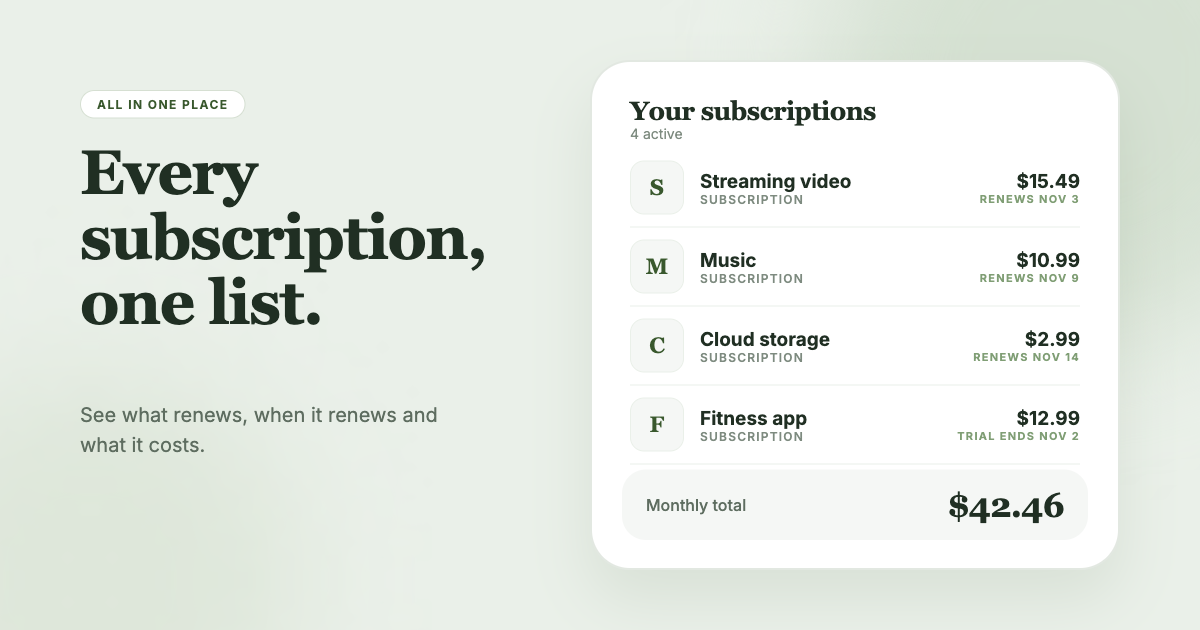
SubSweeper scans your email receipts (read-only) and shows active subscriptions, free trials, and upcoming renewals in one dashboard, with reminders before charges and a monthly total by category. It also helps you cancel. If your goal is to find forgotten subscriptions without connecting a bank account, it is worth trying next to the options above, and you can run it alongside whatever budgeting app you already use.
Official sources
- rocketmoney.com/
- help.rocketmoney.com/en/articles/2677184-premium-membership-features
- help.rocketmoney.com/en/articles/934402-how-do-i-cancel-a-subscription-on-rocket
- copilot.money/
- monarch.com/
- monarch.com/pricing
- quicken.com/products/simplifi/
- support.apple.com/en-us/118428
- support.google.com/googleplay/answer/7018481