How to Cancel Amazon Prime Account in Canada: A Simple Guide
- Aidar Karimov
- Feb 10
- 3 min read

If you’re juggling multiple digital subscriptions, you know how easy it is to lose track of what you’re paying for. Amazon Prime is a popular service, but maybe it’s time to cut back. Whether you’re looking to save money or just don’t use the perks anymore, I’ll walk you through how to cancel Amazon Prime account in Canada quickly and without hassle.
Let’s dive in and get you sorted!
Why You Might Want to Cancel Amazon Prime Account
Amazon Prime offers a lot - fast shipping, streaming movies, music, and exclusive deals. But if you’re like me, sometimes the cost adds up. Maybe you’re not using the streaming service much, or you found a better deal elsewhere. Or perhaps you just want to simplify your monthly expenses.
Here’s why cancelling might make sense:
You want to save money on recurring fees.
You don’t use the free shipping benefits often.
You prefer other streaming platforms.
You want to reduce the number of subscriptions you manage.
It’s smart to review your subscriptions regularly. You might be surprised how much you can save by trimming the extras.
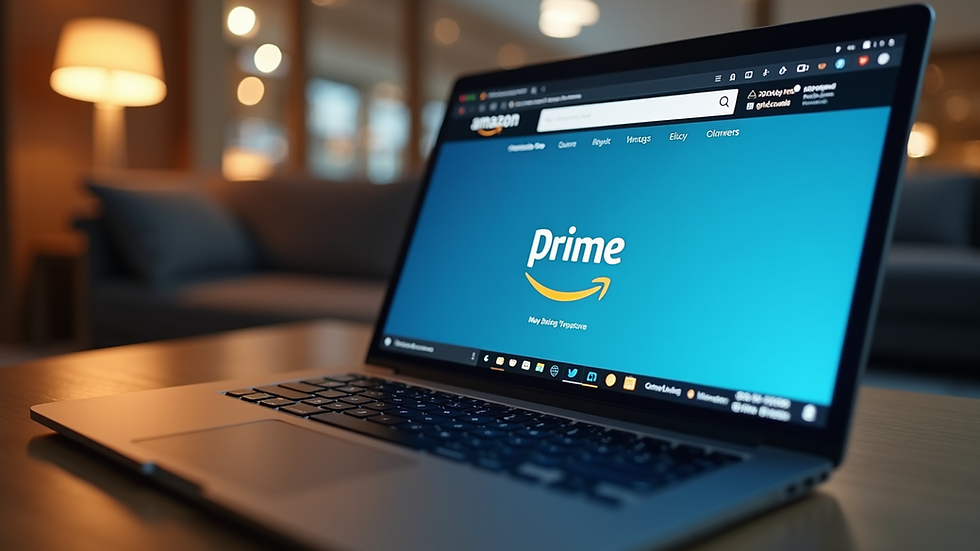
How to Cancel Amazon Prime Account in Canada Step-by-Step
Canceling your Amazon Prime account in Canada is straightforward. Here’s how you do it:
Sign in to your Amazon.ca account. Use your usual login details.
Go to ‘Your Account’. You’ll find this in the top right corner.
Select ‘Prime Membership’. This takes you to your membership details.
Click on ‘Manage Membership’. Then choose ‘End Membership and Benefits’.
Follow the prompts. Amazon will ask you to confirm your cancellation.
Choose your cancellation option. You can end immediately or keep benefits until the next billing date.
Amazon often offers a reminder of what you’ll lose by cancelling, like free shipping or Prime Video access. Take a moment to consider if you want to keep those perks until your membership expires.
If you change your mind, you can always restart your membership later.

How do I stop automatic payments on Amazon Prime?
Stopping automatic payments is part of cancelling your membership, but it’s good to know exactly how it works.
When you cancel Amazon Prime, you’re essentially telling Amazon not to renew your subscription. This means:
Your credit card or payment method won’t be charged again after your current period ends.
You won’t be billed automatically next month or year.
You keep access to Prime benefits until the end of your paid period.
If you want to be extra sure, check your payment methods in your Amazon account settings. Remove any saved cards if you don’t want them linked to your account anymore.
Remember, cancelling doesn’t refund past payments unless you qualify for a partial refund under Amazon’s policy. So, timing your cancellation right can save you money.
What Happens After You Cancel Amazon Prime Subscription?
Once you cancel, your Prime benefits continue until your current subscription period ends. After that:
You lose access to free two-day shipping.
Prime Video and Music streaming will stop.
Exclusive deals and early access to sales are no longer available.
You won’t be charged again.
If you’re a frequent Amazon shopper, this might feel like a big change. But if you rarely use these perks, cancelling can free up cash for other things.
Also, keep an eye on your email. Amazon usually sends a confirmation of your cancellation and reminders before your benefits expire.
If you want to come back, signing up again is easy and fast.
Tips to Manage Your Digital Subscriptions Better
Since you’re here, you probably want to avoid subscription overload. Here are some quick tips to keep your digital life tidy:
Use a subscription manager. Tools like SubSweeper help track and optimize your subscriptions.
Set reminders. Mark renewal dates on your calendar.
Review monthly expenses. Check your bank statements for recurring charges.
Prioritize what you use. Cancel services you rarely use.
Look for bundle deals. Sometimes combining services saves money.
Managing subscriptions doesn’t have to be a headache. With the right tools and habits, you can keep your spending in check and avoid surprises.
Ready to Cancel? Here’s Your Link
If you’re set on cancelling, you can easily cancel amazon prime subscription right now. Just follow the steps, and you’ll be done in minutes.
Remember, it’s all about making your digital life work for you - not the other way around.
I hope this guide helps you take control of your subscriptions and save some money. If you want to explore more ways to manage your digital expenses, keep an eye out for tools like SubSweeper. They’re designed to make subscription management effortless, especially for folks in Canada.
Happy saving!
Comments