How to Get a Google Play Refund (and When You Can't)
Quick answer
If it's been less than 48 hours since you bought an app, game, in-app item or subscription, request a refund from Google through its refund page. You'll usually get a decision within a day, and it can take up to four. After 48 hours, Google points you to the app's developer, who decides under their own policy. If a charge wasn't made by you or anyone you know, report it as unauthorized within 120 days.
What Google will and won't refund
Google is upfront about this: it doesn't give refunds for most Google Play purchases. There are exceptions, and the biggest one is timing.
- Within 48 hours of buying an app, game or in-app purchase (subscriptions included), you may be able to get a refund from Google, depending on the details.
- After 48 hours, Google sends you to the developer. Developers can process refunds under their own policies and the law.
A few rules apply no matter when you ask:
- You can only return a given app or game for a refund once. If you buy it again, you can't get a second refund.
- When a paid app is refunded, it's uninstalled and you lose access.
- If you bought several items in one purchase, you can only refund the whole purchase, not individual items.
- Donations to nonprofits are not refundable.
Google also says it usually can't refund you if you gave your account or payment details to someone else, if it looks like you're abusing the policy, or if your account isn't protected with authentication. That last one is worth fixing today if you let kids use your phone.
Step 1: Request the refund
- Open Google's request a refund link and sign in.
- Pick the purchase and follow the prompts.
If your purchase doesn't show up there, use the Google Play website:
- Go to play.google.com.
- Click your profile picture at the top right.
- Click Payments & subscriptions, then Budget & order history.
- Next to the order, click Report a problem.
- Choose the option that fits your situation.
- Fill in the form and say that you'd like a refund.
- Click Submit.
Still can't find the order? You may have bought it on a different Google account. Switch accounts in Google Play and look again.
One request is enough. Google says sending more requests for the same purchase won't make it go faster.
Step 2: After 48 hours, write to the developer
Most Play Store apps are made by other companies, not Google. Google says contacting the developer directly is often the quickest way to sort out a refund, and it's the main route once 48 hours have passed. Developers are also the right contact if an in-app purchase didn't arrive or doesn't work.
To find their contact details:
- Go to play.google.com and open the app's page.
- Find the App support section.
- Use the email or website listed there.
Google suggests including the transaction ID, the date and amount, what went wrong, and what you want them to do. A short message works best:
Hi, I was charged [amount] on [date] for [item] in [app name] (transaction ID [from your receipt]). [One sentence on what went wrong.] Please refund this charge. Thanks, [name, email on the account].
The transaction or order number is on your Google Play receipt email and in your order history. Google says developers usually reply within 3 business days. If you want more letter examples, we have a post on writing to Apple and Google Play support for refunds.
If someone else made the purchase
Someone you know (a child or a friend who used your phone): Google treats this as a normal refund request, not fraud. Use the request process above.
Nobody you know: report it as an unauthorized charge within 120 days of the transaction. Then change your Google account password and turn on authentication for purchases.
If you're not sure a charge is from Google Play at all, look at how it's written. Play charges start with GOOGLE*, and our guide to the Google Play charge on your statement explains how to match one to an app.
Refunding a subscription
Subscriptions follow the same rules as other in-app purchases: the 48-hour window with Google, then the developer.
Asking for a refund and cancelling are separate steps. If you don't cancel, the subscription renews and charges you again. To cancel:
- Go to your Google Play subscriptions.
- Select the subscription and click Manage.
- Click Cancel subscription, choose a reason, then Continue.
Uninstalling the app doesn't cancel the subscription. Our full walkthrough is in how to cancel a Google Play subscription.
How long the money takes
Once a refund is approved, the time depends on how you paid:
| Payment method | Usual time |
|---|---|
| Credit or debit card | 3 to 5 business days, sometimes up to 10 |
| PayPal | 3 to 5 business days, up to 10 |
| Google Play balance | 1 day, up to 3 |
| Carrier billing (postpaid) | 1 to 2 billing statements |
| Carrier billing (prepaid) | 1 to 30 business days |
If the card you paid with is no longer active, the refund goes to the bank that issued it, so call them if it doesn't show up.
How to check your refund status
Open your order history on Google Play and look at the order:
- Refunded means the money is on its way to your payment method.
- Cancelled means you weren't charged in the first place, so there's nothing to come back.
Google says most refunds arrive within 10 business days. If it's past that and the order says Refunded, contact your bank with the date and amount.
Make the 48 hours count
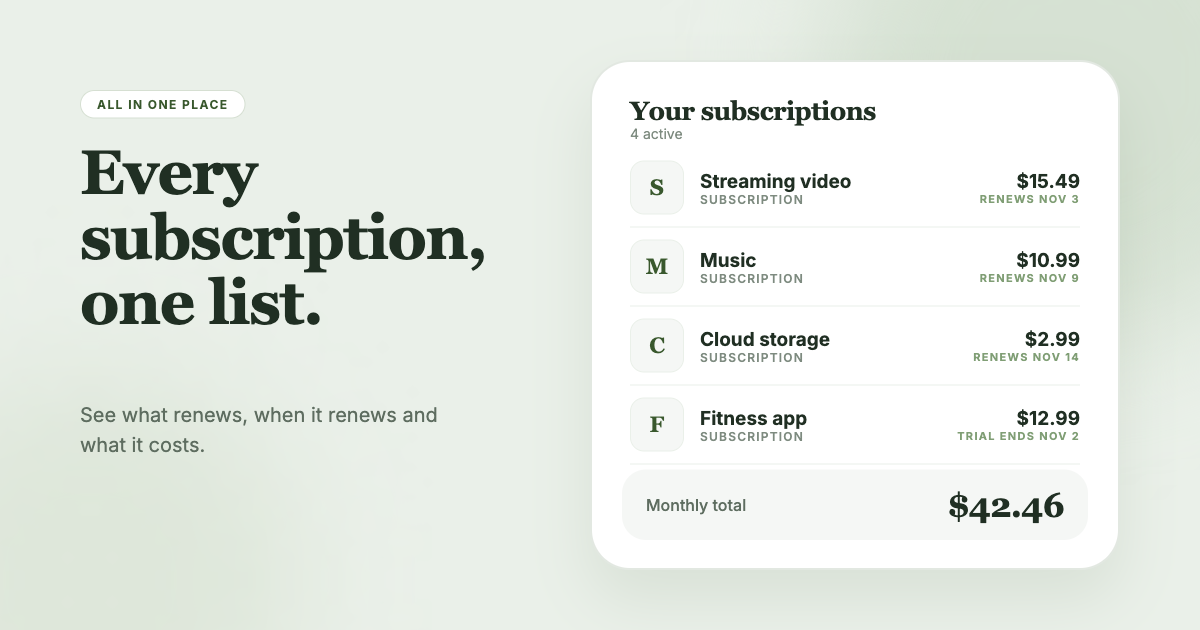
Two days go fast, and a charge you didn't expect is easy to miss until the statement arrives. SubSweeper scans your email receipts (read-only) to surface active subscriptions, free trials and upcoming renewals in one dashboard, including the ones billed through Google Play. It sends reminders before charges, shows your monthly total, and helps you cancel what you no longer use.
Official sources
- support.google.com/googleplay/answer/2479637
- support.google.com/googleplay/answer/15574908
- support.google.com/googleplay/answer/15574897
- support.google.com/googleplay/answer/15576193
- support.google.com/googleplay/answer/15576615
- support.google.com/googleplay/answer/113418
- support.google.com/googleplay/answer/7018481