Free Subscription Tracker: 5 Ways to Track for $0
Quick answer
Yes, you can track subscriptions for free. The free options are your phone's subscription list (Apple or Google), the free tier of a budgeting app such as Rocket Money, a spreadsheet you fill in yourself, and an email-receipt scan. Each one sees a different slice of what you pay for. No single free option sees everything, so most people end up combining two.
What free usually means
Most apps advertise a free plan and then put the useful part behind a paid one. Before you install anything, check three things: what the free tier shows, what it hides, and whether you need to hand over bank logins.
Here is how the main options compare on those points.
Option 1: Your phone's built-in list
Both major phone platforms keep a list of every subscription billed through their store, at no cost.
On an iPhone, open Settings, tap your name, then tap Subscriptions. Apple's support page says to tap a subscription and then the Cancel Subscription button when you want to end it.
On Android, open your subscriptions page in Google Play. Google notes that you need to be signed in to the right Google Account, because a subscription may sit on a different one. It also says that uninstalling an app does not cancel the subscription.
The limit is scope. These lists show what the store bills. A gym membership paid by card, a news site, a meal kit, or a streaming service you signed up for on its own website will not appear.
Option 2: The free tier of a finance app
Rocket Money's site says its free plan lets you link accounts and that its algorithm finds your recurring subscriptions and bills. Its Help Center states that free members can see their subscriptions listed in one place, while canceling from the app is a Premium feature.
So the free tier tracks, and the paid tier cancels for you. That split is common in this category, and it is worth knowing before you link anything.
Two practical points from Rocket Money's own missing subscriptions article:
- Detection depends on the account you pay from. If that account is not linked, or your bank is not supported, a subscription can go undetected.
- A bill with no payment detected in the past month moves to an Inactive list.
Other budgeting apps lean paid. Copilot's site shows a Test drive for free option and a one-month free trial, and Monarch's site offers a 7-day free trial. Those are trials, not free tiers, so they suit a one-time cleanup better than permanent tracking.
Option 3: A spreadsheet
A spreadsheet costs nothing and shows only what you type. That is its strength and its weakness: no third party sees it, and nothing updates itself.
Set up one row per subscription with these columns: service, price, billing cycle, next charge date, how you pay, and a cancel link. Add a total at the bottom. Google Sheets' formula help covers how to enter a formula by typing an equal sign in a cell, and a plain SUM over the price column is enough for a monthly total.
The hard part is the first fill. You have to remember what you pay for. Scan three months of card and bank statements for repeated merchant names, and check your email for the words receipt, renewal, and trial.
Option 4: Search your own email
A subscription that charges you usually sends a receipt, a welcome message, or a renewal notice. Searching your inbox for the words subscription, receipt, free trial, and will renew turns up services you forgot, including ones billed outside the app stores.
This works without linking a bank. The cost is time, and you have to repeat it. An app that does the same scan on a schedule saves the repeat work. SubSweeper is one example, covered at the end.
Option 5: Combine two
The setup that covers the most ground for $0:
- Check your phone's subscription list once to catch store-billed apps.
- Do a statement pass or an email search to catch everything else.
- Put the results in a spreadsheet with the next charge date.
- Set a calendar reminder three days before each large renewal.
How to choose
Ask what you want the tracker to do.
If you only want to see what you pay, the phone list plus a spreadsheet is enough. If you want the list to build itself, pick an app, and decide whether you are comfortable linking bank accounts or granting email access. If you want the app to cancel for you, expect a paid tier. Rocket Money states that cancellation from the app is Premium-only.
Free trials deserve special attention. A trial that rolls into a paid plan is how most forgotten subscriptions start. Add the trial end date to your tracker the day you sign up.
Where SubSweeper fits
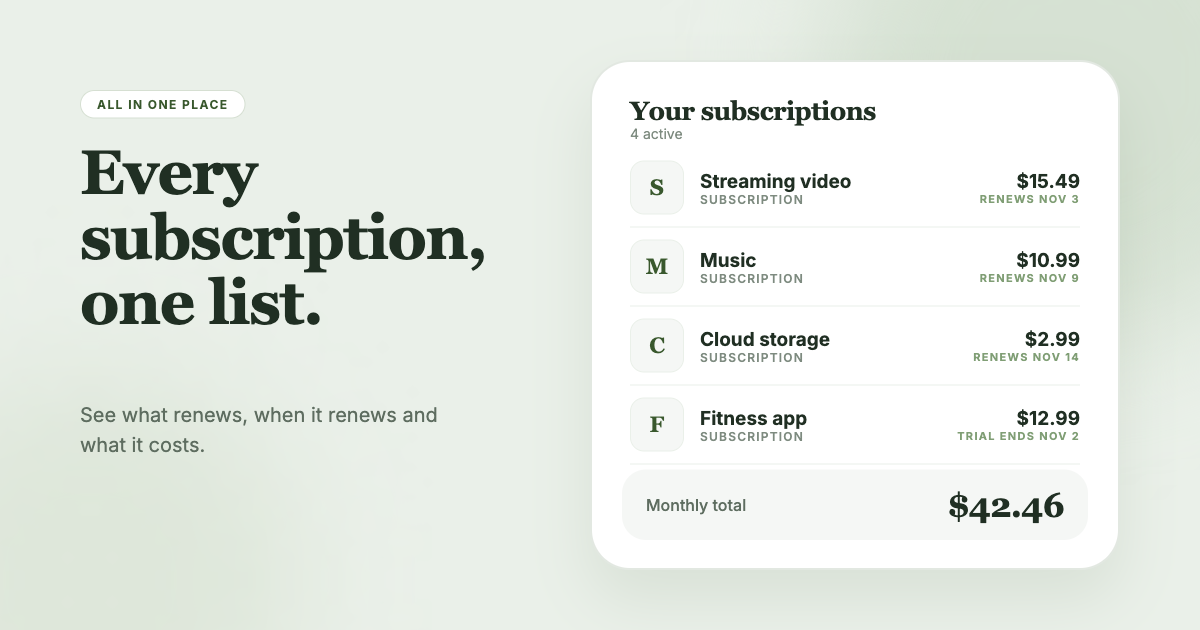
If you would rather not link a bank account or maintain a spreadsheet, SubSweeper scans your email receipts (read-only) and puts active subscriptions, free trials, and upcoming renewals in one dashboard. It sends reminders before charges, shows your monthly total by category, and helps you cancel. It works from receipts, so a service that sends no emails will not show up, and you can add that one to your spreadsheet.