Best Subscription Tracker: How to Choose in 6 Steps
Quick answer
The best subscription tracker is the one that finds your subscriptions the way you pay for them, warns you before renewals, and asks for no more access than you are willing to give. Check six things: what it finds, what it needs from you, whether it warns, whether it helps cancel, which devices it runs on, and what it costs after the trial. Rankings that crown one winner for all readers skip these questions.
1. How does it find subscriptions?
There are three methods, and each has blind spots.
- Bank or card link. The app reads transactions and flags repeating merchants. Rocket Money, Copilot, Monarch, and Simplifi describe this approach on their sites. Rocket Money's help article says detection can miss a subscription if the account you pay from is not linked properly or your bank is unsupported.
- Email receipts. The app reads confirmations and renewal notices in your inbox. It finds services paid by any method, provided they send email.
- Store lists. Apple and Google list what they bill. They are free and exact, and they cover only store billing.
Take your own three biggest recurring charges and ask which method would catch each one. If your gym comes out of a checking account you would rather not link, bank-linked apps will miss it unless you link that account.
2. What access does it need?
List what you would be handing over: bank logins, card connections, or inbox access. Prefer the narrowest access that does the job. For email, read-only access means the app can see messages without sending or deleting them.
Read the privacy page of any app before connecting. If you cannot find out what the app does with the data, pick another one.
3. Does it warn you before a charge?
A tracker that lists subscriptions after they bill is a history book. Warnings before charges and before free trials convert are what prevent the loss. Look on the app's page for words like reminders, upcoming charges, or renewal alerts. Copilot's sample view shows upcoming charges, and Simplifi describes a Reminders list of upcoming bills and paychecks.
If an app does not mention warnings, ask whether you can add your own.
4. Does it help you cancel?
Cancel help comes in three levels:
- A link or instructions that point you to the company's cancel page.
- A button that does the cancellation for you.
- Nothing.
Rocket Money states on its site that its Premium plan can cancel subscriptions for you. Its Help Center adds that subscriptions billed through Apple, Google Play, Amazon, Roku, or PayPal must be canceled through that provider. The other finance apps I checked describe tracking and planning on their pages and do not describe canceling for you.
Weigh this against how you pay. If your subscriptions run through app stores, canceling takes two taps on your phone anyway. For the Apple path, see Apple's steps. For Google, see Google Play's steps.
5. Where does it run?
Check platforms before you pay. Copilot's site lists iPhone, iPad, Mac, and the web. If you use Android, that rules it out. Monarch recommends subscribing through its website rather than the Apple or Google app stores, which affects how the billing and cancellation of the tracker itself works.
6. What does it cost after the trial?
Trials end. Copilot lists a one-month free trial, $7.92 per month or $95 billed yearly. Monarch lists a 7-day free trial, $14.99 per month, or $99.99 per year. Simplifi lists a first-year offer of $3.99 per month billed annually if ordered directly from Quicken by November 22, 2026. Rocket Money's pages that I opened state no price. These figures come from each company's own site in October 2026 and may change.
Put the trial end date in your calendar when you start. A tracker you forgot to cancel adds one more forgotten charge.
A quick way to decide
Write your answers in one line each:
- I pay for subscriptions with: store billing, a card, PayPal, or all three.
- I will give access to: my bank, my email, or neither.
- I want the app to: list, warn, or cancel.
- My phone is: iPhone or Android.
- My budget is: free, a few dollars a month, or more.
Then match. Store billing only and no access to share: your phone's list. Cards and PayPal, with email access acceptable: an email-based tracker. Cards plus a wish to budget: a bank-linked finance app. A big cancel-for-me need: Rocket Money Premium.
Test before you commit
Run any shortlisted tracker for one billing cycle. Compare its list against your last three statements. Count how many recurring charges it found and how many it missed. If it found most of them and warned you about one upcoming renewal, it has earned its place.
Mistakes to avoid when choosing
Three mistakes show up often. The first is picking on features and ignoring access. A long feature list means little if you will not connect the accounts it needs. The second is trusting the first list the app shows. Detection depends on what was linked and how recent the transactions are, so audit the output against your statements. The third is choosing a tracker and not opening it. A plain spreadsheet you review monthly beats an app whose notifications you muted.
Whatever you pick, set one review day on your calendar. Trackers fail through neglect much more than through missing features.
Where SubSweeper fits
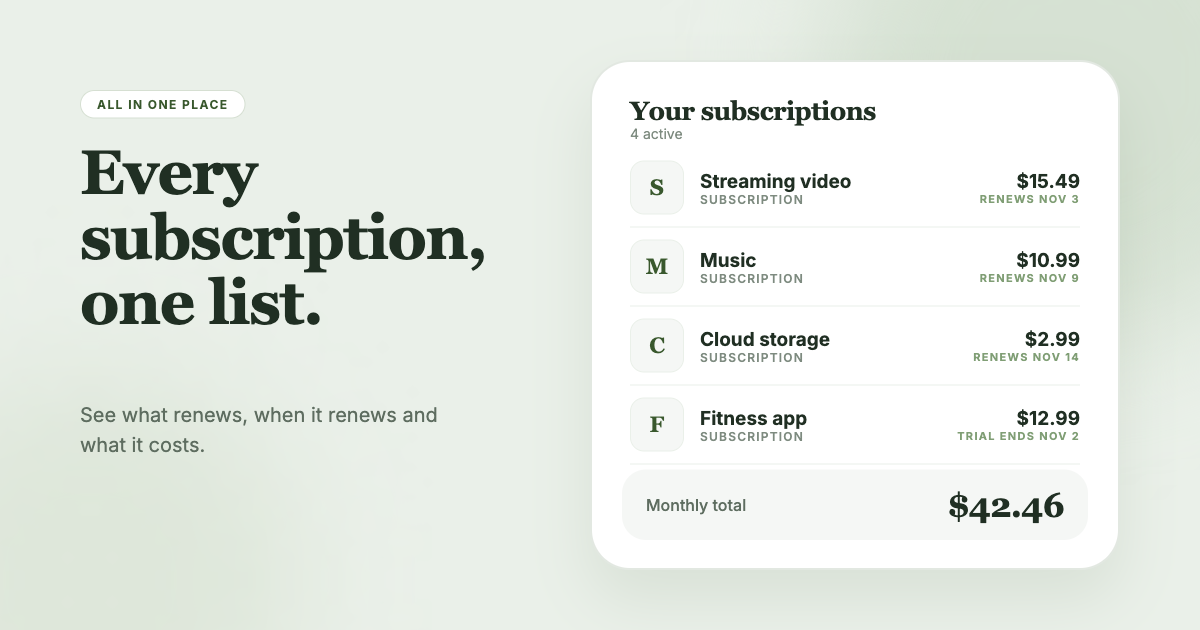
SubSweeper scans your email receipts (read-only) to show active subscriptions, free trials, and upcoming renewals in one dashboard, with reminders before charges, a monthly total, and categories. It also helps you cancel. It fits the reader who wants warnings and a clean list without connecting a bank.