Best Subscription Manager App: What to Look For
Quick answer
No single app is best for every reader. If you want an app that tracks and cancels for you, look at Rocket Money, which states on its site that its Premium plan can cancel subscriptions for you. If you want tracking and budgeting without cancellation, Copilot, Monarch, and Simplifi describe subscription views on their own sites. If you want to avoid linking a bank, use your phone's built-in list or an email-receipt tool such as SubSweeper.
I did not rank apps by star ratings, because ratings change and I would not trust a number I could not verify on an official page. Below is how the options differ in what they do, which is what decides the winner for your situation.
Three jobs a subscription manager can do
Most apps do the first, some do the second, and fewer do the third.
- Find: surface subscriptions you pay for, including ones you forgot.
- Warn: tell you before a charge or free trial renewal lands.
- Cancel: end the subscription without you contacting the company.
Decide which of these you care about most. A person who already knows every subscription but forgets trial end dates needs warnings. A person with a messy card statement needs finding. A person who dreads phone calls needs canceling.
Apps that find subscriptions through your bank
Rocket Money, Copilot, Monarch, and Simplifi all work from linked financial accounts, according to their sites.
Rocket Money says it finds and tracks subscriptions, and the free plan lets you link accounts and see subscriptions in one place. Its Help Center lists Premium features including canceling subscriptions from the app. The company states that cancellations usually take roughly two to ten business days, depending on the merchant.
Copilot's page has a Spot subscriptions section with upcoming charges and lists iPhone, iPad, Mac, and web. It shows $7.92 per month or $95 per year and a one-month free trial.
Monarch's page says it detects recurring subscriptions and works with more than 13,000 institutions, with a 7-day free trial. Its listed prices are $14.99 per month or $99.99 per year.
Simplifi's page says you can view all your subscriptions and get a reminder list of upcoming bills. It shows a first-year offer of $3.99 per month billed annually, valid for orders placed directly with Quicken through November 22, 2026.
The benefit of these is breadth: one place for subscriptions, bills, and spending. The cost is access. You hand over bank or card connections, and detection depends on the account you pay from being linked and supported.
Apps that find subscriptions through email
An email-based tool reads receipts instead of bank data. Receipts and renewal notices cover subscriptions billed by app stores, cards, PayPal, and direct to a company, as long as the service sends an email. This works well for finding trials, since sign-up confirmations arrive in your inbox right away.
The limit is that a service that does not email you will not show up. Check what level of email access an app asks for before you grant it. Read-only access is the safer choice.
Your phone's built-in manager
Apple and Google both include one.
- iPhone: Settings, your name, Subscriptions. Tap a subscription to see its renewal details or cancel, per Apple.
- Android: your subscriptions page in Google Play. Google adds that some apps let you pause payments from one week to three months.
These are free, accurate, and limited to store billing. They make a good first pass even if you later add another app.
A short checklist for choosing
Before you pick, answer these.
- What does the free version show? Rocket Money says free members see their subscriptions listed, while canceling from the app is Premium.
- What access does it need: bank logins, card connections, or email?
- Which platforms does it run on? Copilot lists Apple devices and the web.
- Does it warn you before renewals, or only list them after charges?
- How is cancellation handled: a button that opens the company's steps, or a service that does it for you?
- Can you leave easily? Look up the cancel path for the app itself before you sign up.
Why cancellation support matters less than it seems
A cancel-for-me feature saves time on stubborn services, but it has gaps. Rocket Money's help article says subscriptions billed through Apple, Google Play, Amazon, Roku, or PayPal must be canceled through that provider. If most of your subscriptions are billed there, a cancel-for-me service adds little, and a good reminder system adds more.
If you have a handful of services with hard phone-only cancellation, the feature earns its fee. Otherwise, a clear list with warnings gets you most of the savings.
A reasonable setup
For most people, a two-step approach works. Start with the free phone list to catch store-billed apps. Then use one tracking tool to catch the rest, and put every trial end date into it the same day you sign up.
Review the list on a set day each month. Five minutes is enough when the list is already built.
Where SubSweeper fits
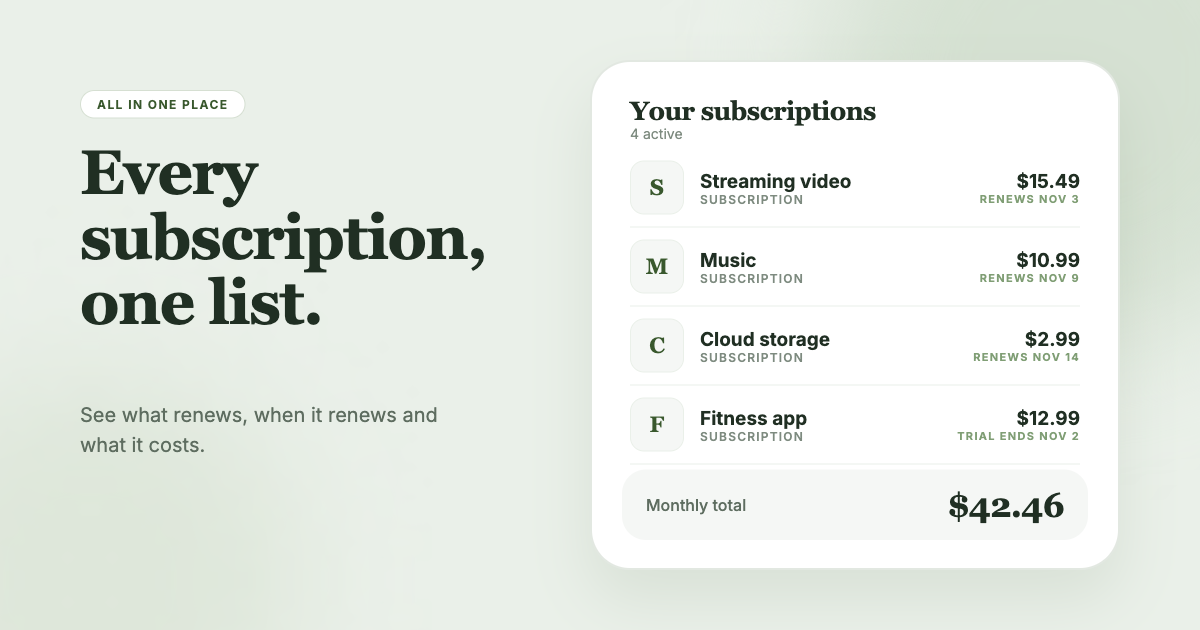
SubSweeper scans your email receipts (read-only) to show active subscriptions, free trials, and upcoming renewals in one dashboard. It sends reminders before charges, shows your monthly total and categories, and helps you cancel. It is built for the find-and-warn jobs, so it suits you if you want to see what is draining your account without connecting a bank.